Choose a stone
Browse the available cabochons and select the one that speaks to you.
Design your own piece
Choose a stone, explore a few simple setting options, and see how they come together before your custom piece is made.

Your design, your way
StoneVision gives you a simple way to create a custom piece online. Start with an available cabochon from the Fine Lapidary Arts Cabochon page, choose from a few simple setting options, and preview how your choices come together. You can explore the possibilities at your own pace before submitting your selections for a custom piece.
Explore how it works ↓
Created by Jim Campbell
StoneVision was created by Jim Campbell to make the custom jewelry process more approachable and interactive. Drawing on his experience as both a stone cutter and silversmith, Jim developed StoneVision as a simple way for customers to visualize a hand-cut stone in several setting options before deciding how they would like their piece made.
Select a stone, explore different jewelry types and setting options, compare the possibilities, and choose the combination that feels right before requesting a quote. It gives you a chance to participate in creating something uniquely your own while keeping the stone at the center of every decision.
Browse the available cabochons and select the one that speaks to you.
Choose the jewelry type, setting style and fabrication details.
Preview multiple versions and compare the possibilities side by side.
Make your final selection and build a quote for the custom piece.
Step one
Photograph your stone or upload an existing image to begin.
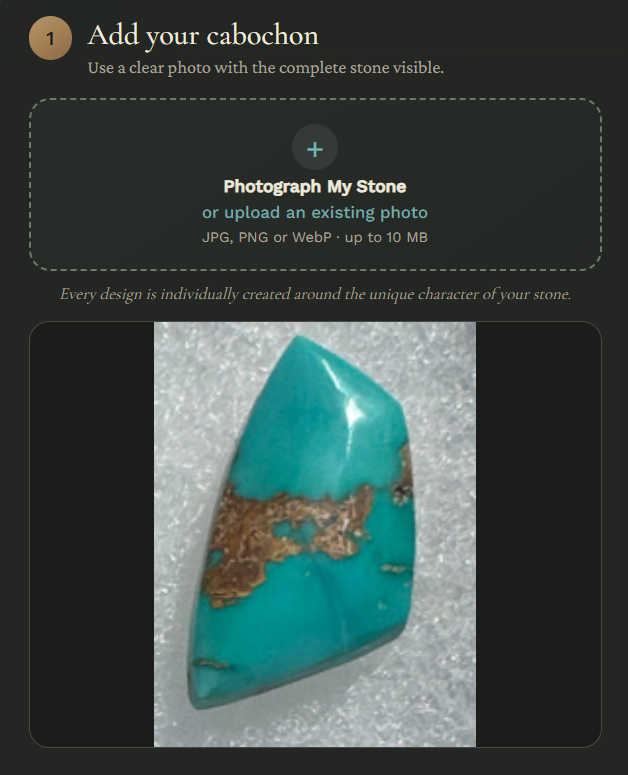
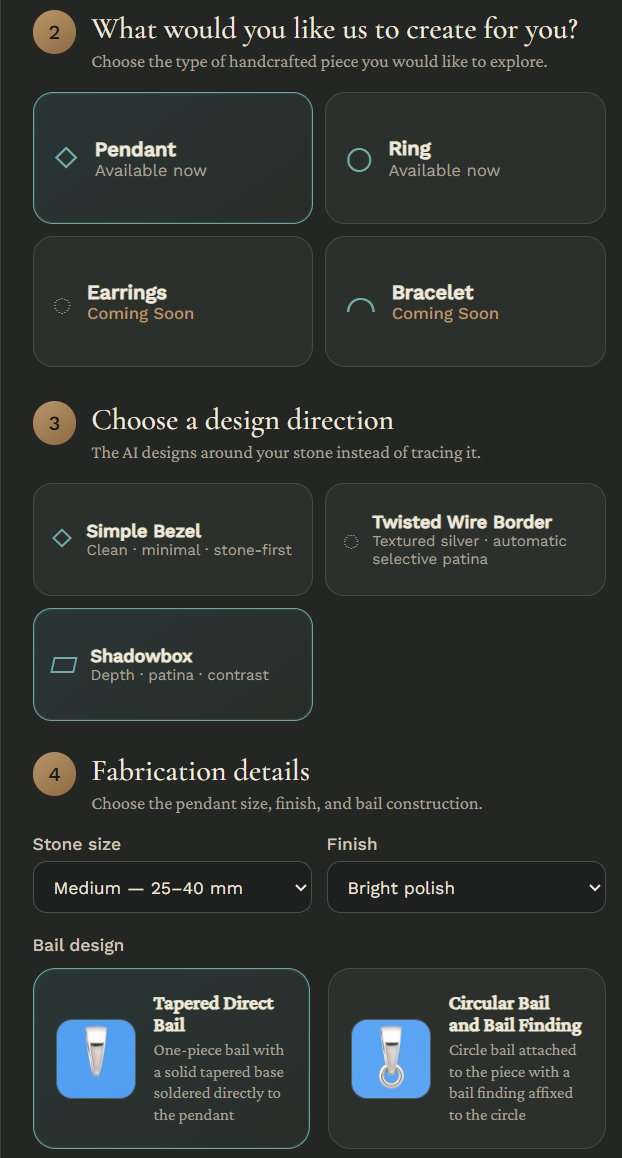
Design choices
Choose the type of jewelry, setting style, size, finish and fabrication details.
Final selection
StoneVision lets you preview several versions of your selected stone and setting choices side by side, so you can compare the possibilities before choosing the one that feels right.
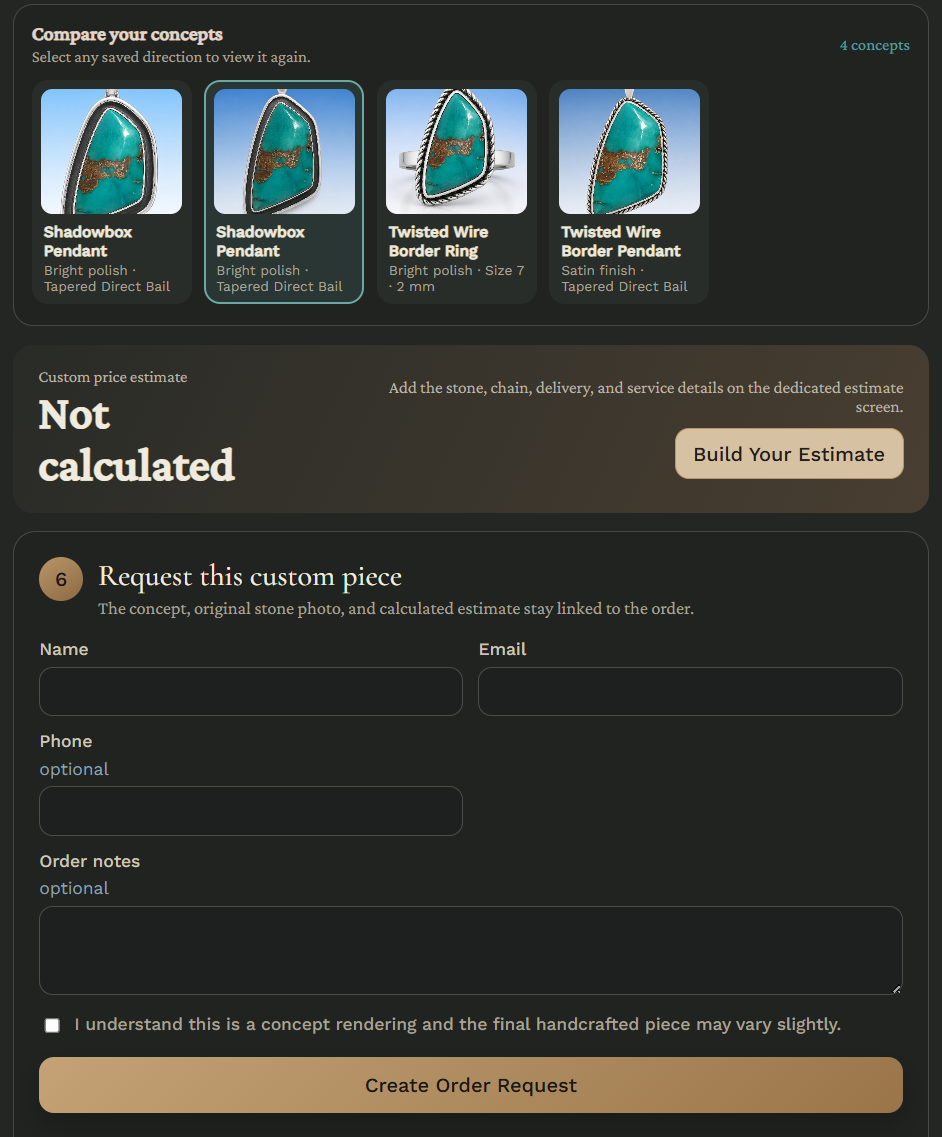
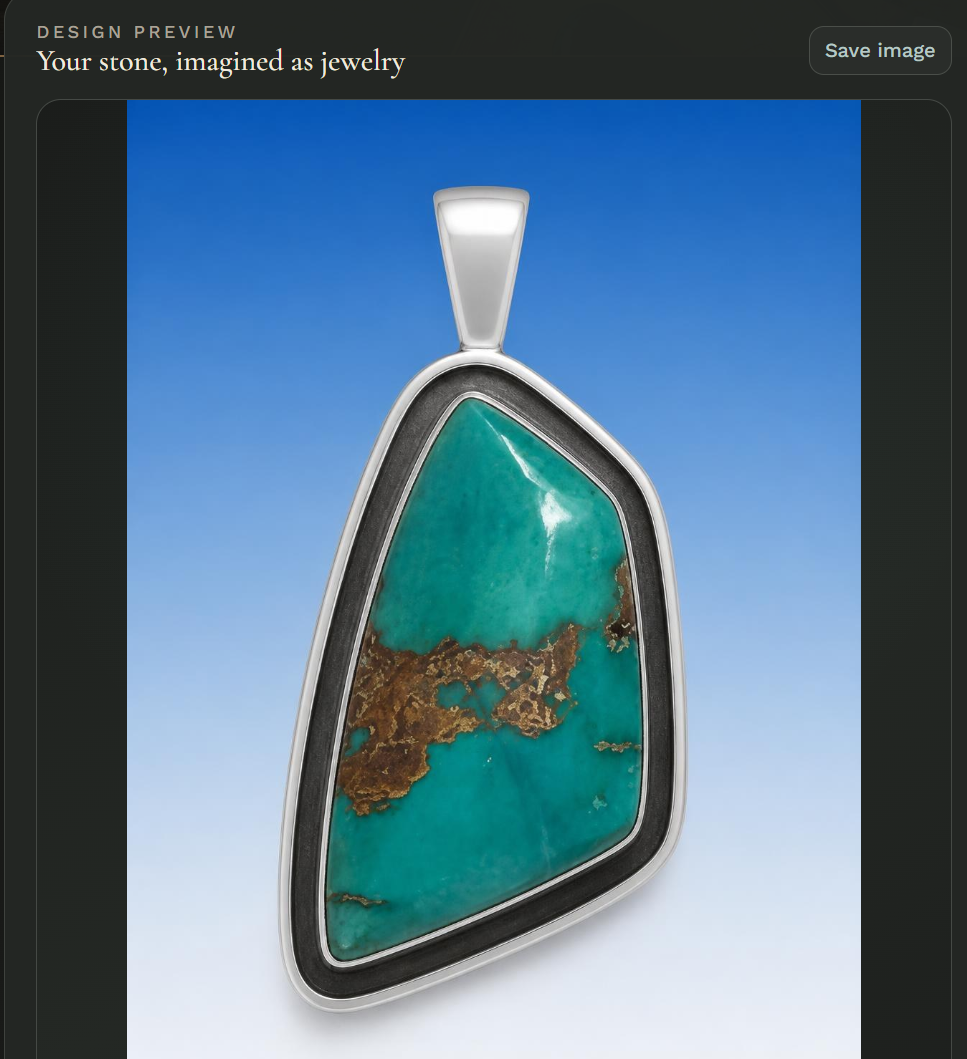
StoneVision application
Choose your stone, explore a few setting options, and preview your selections before requesting a quote.
Open StoneVision →The StoneVision application will open here once it is published.